
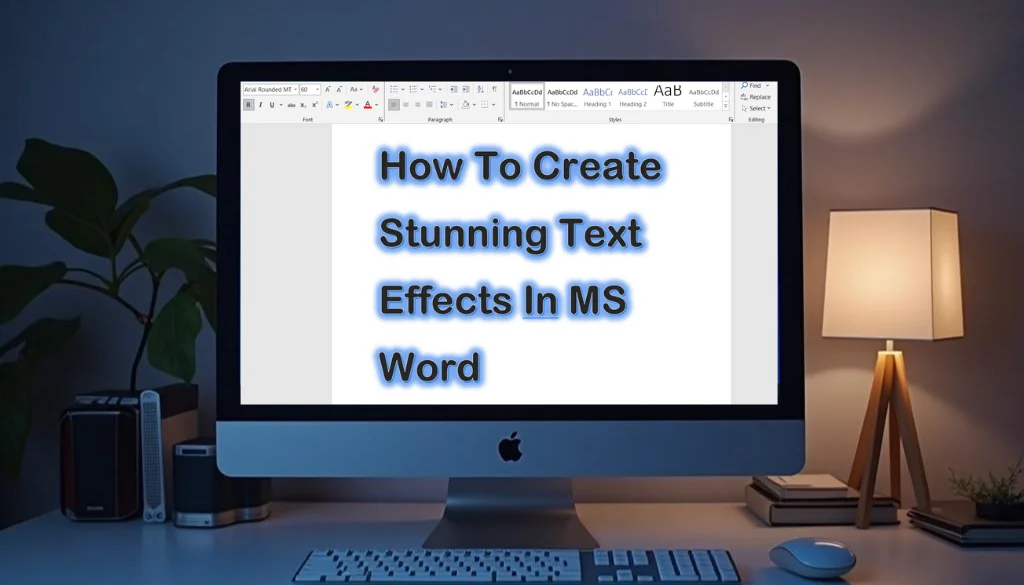
How to Create Stunning Text Effects in MS Word
Transform your documents in Microsoft Word with powerful text effects! With just a few clicks, you can apply dynamic styles such as shadows, reflections, and outlines to make…
Read more → Transform your documents in Microsoft Word with powerful text effects! With just a few clicks, you can apply dynamic styles such as shadows, reflections, and outlines to make…
Read more →
Overwhelmed by a lengthy list of tasks or ideas? Organizing your thoughts can be tough, but Microsoft Word makes it easy with bullet and numbered lists. These features…
Read more →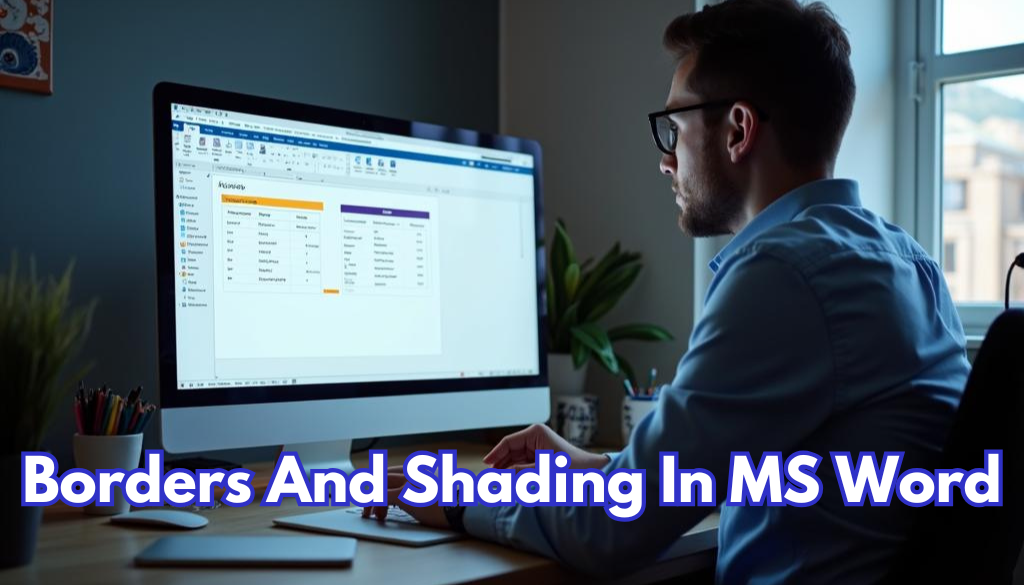
Enhancing tables in MS Word remarkably boosts the professionalism and visual appeal of your documents. By incorporating borders and shading, you can organize information for improved readability. Imagine…
Read more →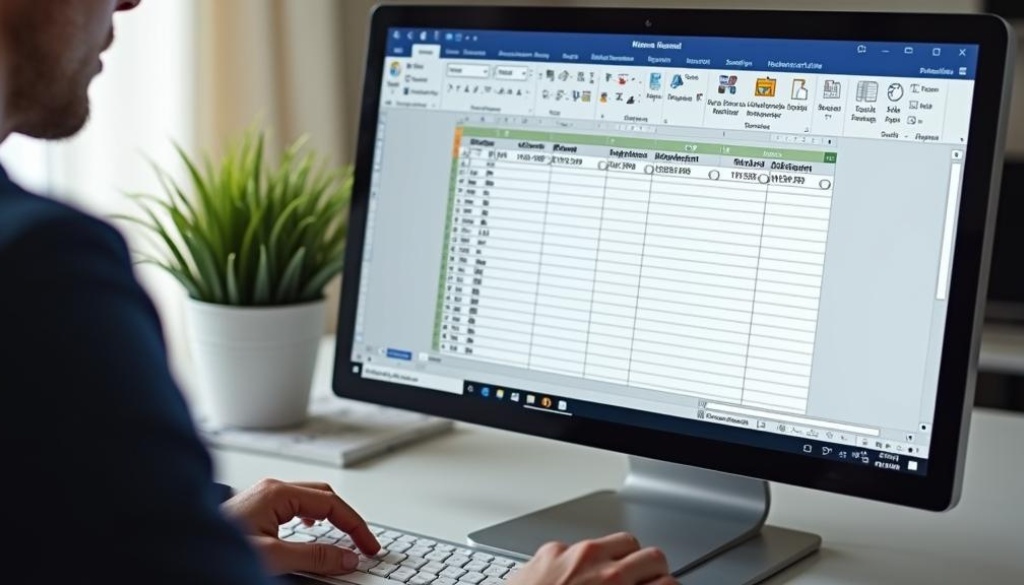
Merging and splitting cells in MS Word tables remarkably improve document organization and aesthetics. Merging combines adjacent cells into a larger one, perfect for headings or grouping related…
Read more →
Inserting tables in MS Word is simple and remarkably improves information organization. The Quick Tables feature enables users to add pre-designed tables with ease, saving time and enhancing…
Read more →
Creating a table in MS Word is simple and fun! Tables help organize information clearly, making them perfect for displaying data, crafting schedules, or testing layouts tidy. This…
Read more →
Changing font styles in Microsoft Word elevates the visual appeal of your documents. By choosing different font types, sizes, and colors, you can effectively express your ideas. If…
Read more →
First impressions are really important, especially for documents like reports, proposals, and presentations. For example, a well-designed cover page can make a big difference when showing a business…
Read more →
Are you tired of messy formatting and inconsistent styles in your Microsoft Word documents? Managing styles with the Styles Pane can change the way your documents look, making…
Read more →
Do you find it hard to make your Microsoft Word documents look neat and professional? Use section breaks to manage different layouts effectively. Section breaks are a helpful…
Read more →