
How to Use Macro to Automate Text Formatting in MS Word
Do you get tired of spending hours manually formatting documents in Microsoft Word? There’s a faster and easier way to do it! In this guide, you’ll learn how…
Read more → Do you get tired of spending hours manually formatting documents in Microsoft Word? There’s a faster and easier way to do it! In this guide, you’ll learn how…
Read more →
Have you ever found yourself doing the same thing in Microsoft Word over and over again, like changing font sizes or applying the same formatting styles? Whether it’s…
Read more →
Macros in Microsoft Word are a great way to automate repetitive tasks, save time, and avoid mistakes. But sometimes, the macro you recorded might need some changes to…
Read more →
Have you ever struggled to make your MS Word documents look polished and professional? One of the best-kept secrets of Microsoft Word is its Theme Effects feature. This…
Read more →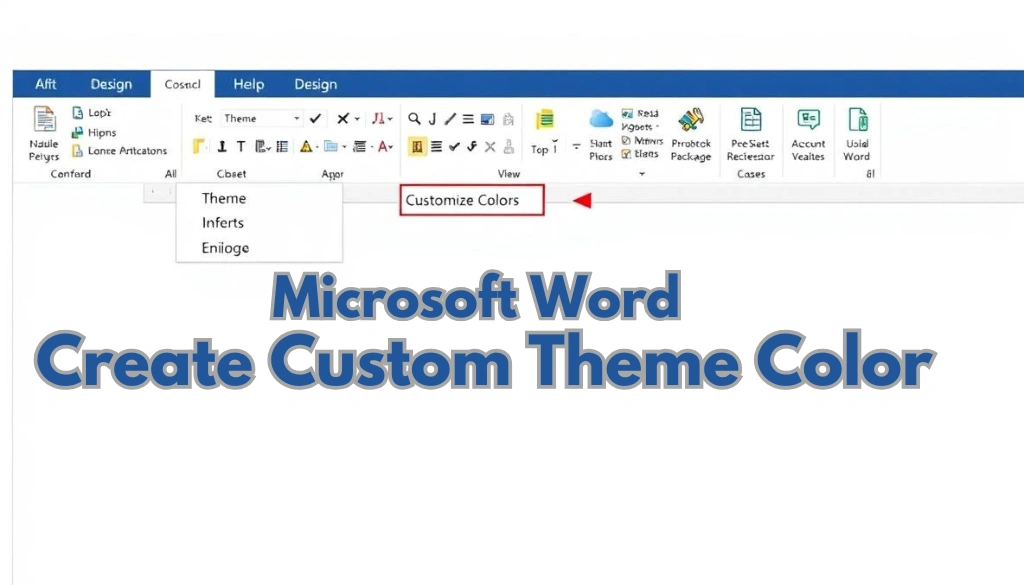
Do you want your documents to always reflect your brand’s unique style? Creating custom theme colors in MS Word can help you keep your branding consistent, making all…
Read more →
Do you want to make your Word documents more interesting and easy to understand? A great way to do this is by adding Visio diagrams in MS Word.…
Read more →
Have you ever needed to share a Word document but worried it might look different on another device? Exporting your Word file to PDF is the perfect solution!…
Read more →
Have you ever tried to open a Word document and seen a message saying “You don’t have permission to access this file”? If yes, then you know how…
Read more →
Struggling with Fixing document layout problems in MS Word can be really frustrating, especially when it feels like your document is acting on its own. Luckily, fixing these…
Read more →
If you’ve ever found yourself juggling between Microsoft Word and Google Docs, you’re not alone. The good news is that it’s now easier than ever to combine the…
Read more →