Boost Your Efficiency: The Best Microsoft Word Add-Ins for Productivity
Are you tired of spending excessive hours on mundane tasks in Microsoft Word? If so, you’re not alone! Many users struggle to make the most out of their time, feeling…
Your blog category
Are you tired of spending excessive hours on mundane tasks in Microsoft Word? If so, you’re not alone! Many users struggle to make the most out of their time, feeling…
In the fast-paced world of business, presenting a professional image is crucial for success. One key aspect that often gets overlooked is the importance of invoicing. Properly crafted invoices can…
In today's competitive job market, having a standout resume is essential to grab the attention of potential employers. One of the most effective ways to elevate your resume is by…
Microsoft Word is a really popular program for writing and formatting documents on a computer. It's used by students, workers, and lots of other people who want to create great-looking papers, reports, letters and more.
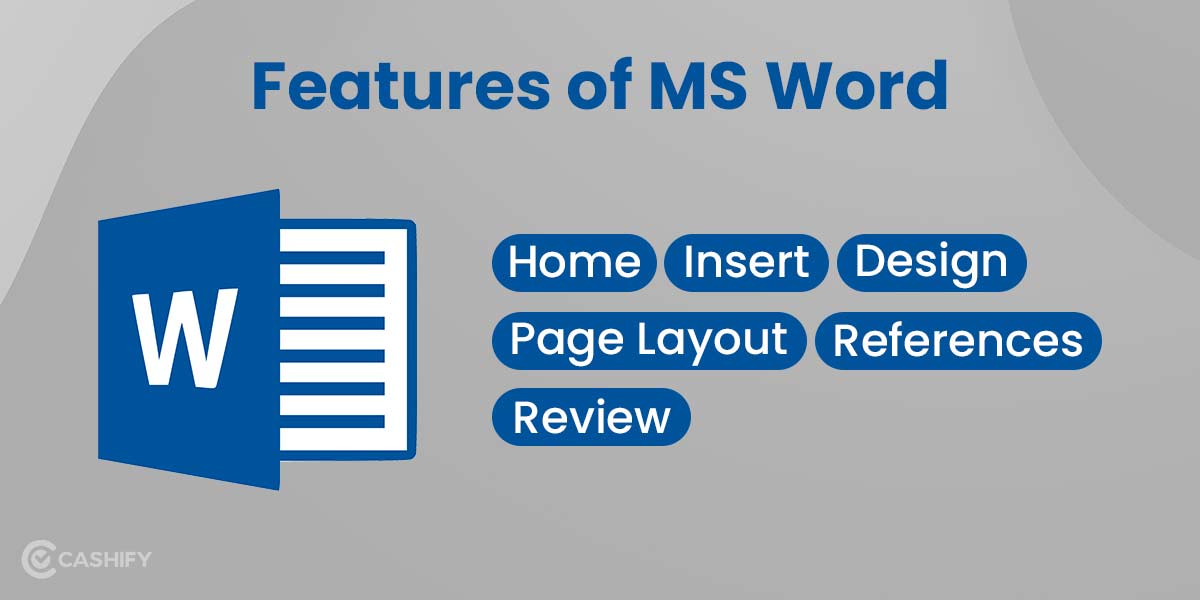
When you hear "Microsoft Word," you likely picture using it for basic stuff like writing essays for school or typing letters. But Word can do way more than just simple word processing - it's an awesome tool packed with cool, advanced features to help you work smarter and faster.

Hey there! If you're someone who uses MS Word regularly for school assignments, work projects, or just personal writing, this guide is for you. I'm about to blow your mind with some seriously cool tricks and little-known hacks that will turn you into an absolute Word ninja.
Editing can be one of the most time-consuming aspects of working with documents in Microsoft Word. However, the right tools can make a world of difference. If you’re looking to streamline your editing process without spending a dime, free Microsoft Word add-ins are your best bet.

Microsoft Word's Bing search integration allows users to easily insert web content like images and quotes directly into their documents, saving time and boosting productivity.