Document Formatting

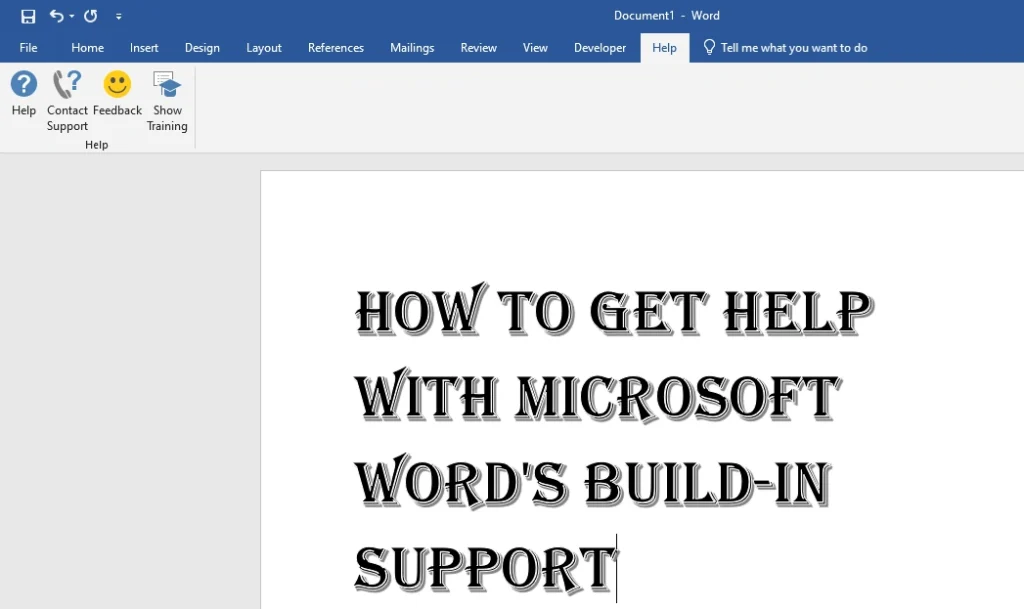
Get Help with Microsoft Word's Build-In Support

How to Get Help with Microsoft Word’s Build-In Support: Your Easy Guide

Microsoft Word is a tool that lots of us use every day, but all of its features can sometimes feel confusing. Need quick help with formatting, adding pictures, or fixing an error? Luckily, Microsoft Word has built-in help and support options to assist you whenever you need it. This guide will show you how to […]

How to Get Help with Microsoft Word’s Build-In Support: Your Easy Guide Read More »

how to create macros to automatically add footnotes and endnotes

How to Create Macros to Automatically Insert Footnotes and Endnotes: A Simple Guide

Tired of adding footnotes and endnotes by hand? Many people spend hours doing this boring task, but there’s an easy fix. By using macros, you can save time and make your work faster. In this guide, we’ll show you how to create macros to automatically insert footnotes and endnotes, making your work simpler and more

How to Create Macros to Automatically Insert Footnotes and Endnotes: A Simple Guide Read More »

Change Theme Effects in MS Word

How to Change Theme Effects in MS Word: A Complete Step-by-Step Guide

Have you ever struggled to make your MS Word documents look polished and professional? One of the best-kept secrets of Microsoft Word is its Theme Effects feature. This tool can transform your entire document with just a few clicks, creating a consistent and visually appealing look without the hassle. In this blog post, we’ll dive

How to Change Theme Effects in MS Word: A Complete Step-by-Step Guide Read More »

Microsoft Word Shortcut For Superscript

Microsoft Word Shortcut For Superscript: Quick and Easy Guide

Microsoft Word is a helpful tool many people use, from students doing homework to professionals writing reports. One useful feature that not everyone knows about is superscript. Superscript is used for writing things like math equations, scientific symbols, or even ordinals like “1st” or “2nd.” In this blog, we’ll show you the easiest way to

Microsoft Word Shortcut For Superscript: Quick and Easy Guide Read More »