

Automation

Power Automate and Word Integration

Simplify Your Workflow: Power Automate and Word Integration

Have you ever felt overwhelmed by the number of documents needing approval at work? With Microsoft Power Automate, we can simplify this process. It helps us automate document approvals and manage workflows easily. Imagine sending a vacation request or a project document for approval without endless emails! By integrating Power Automate with Word, we can create […]

Simplify Your Workflow: Power Automate and Word Integration Read More »
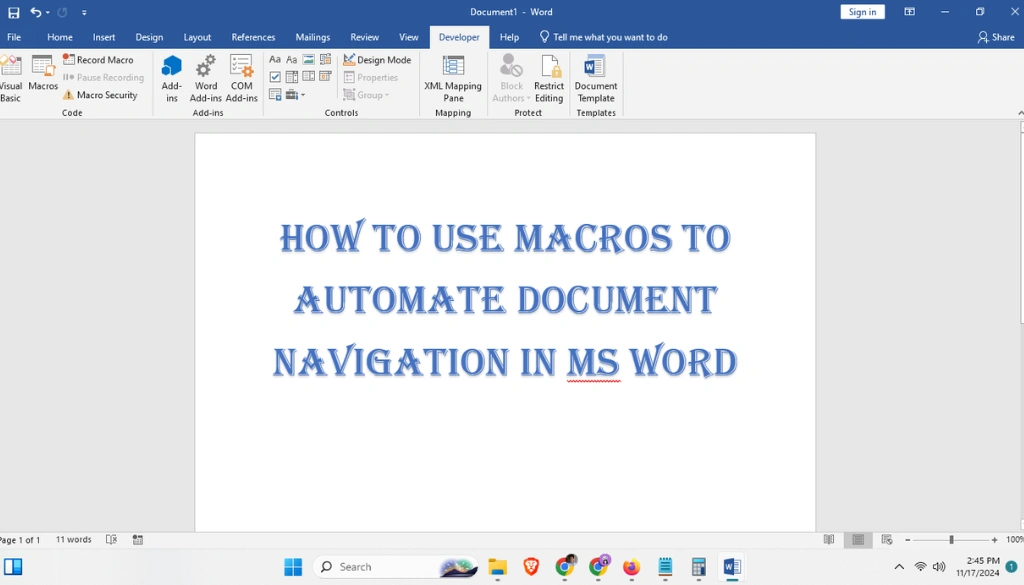
How to Use Macros to Automate Document Navigation in MS Word: Your Easy Guide

How to Use Macros to Automate Document Navigation in MS Word: Your Easy Guide

Getting around long documents in Microsoft Word can be tough, especially if you’re working on long reports or research papers. But there’s an easier way to move around quickly and easily. The answer is using macros to automate your work. In this guide, you’ll learn how to use macros to make document navigation in MS

How to Use Macros to Automate Document Navigation in MS Word: Your Easy Guide Read More »

how to create macros to automatically add footnotes and endnotes

How to Create Macros to Automatically Insert Footnotes and Endnotes: A Simple Guide

Tired of adding footnotes and endnotes by hand? Many people spend hours doing this boring task, but there’s an easy fix. By using macros, you can save time and make your work faster. In this guide, we’ll show you how to create macros to automatically insert footnotes and endnotes, making your work simpler and more

How to Create Macros to Automatically Insert Footnotes and Endnotes: A Simple Guide Read More »