Microsoft Word

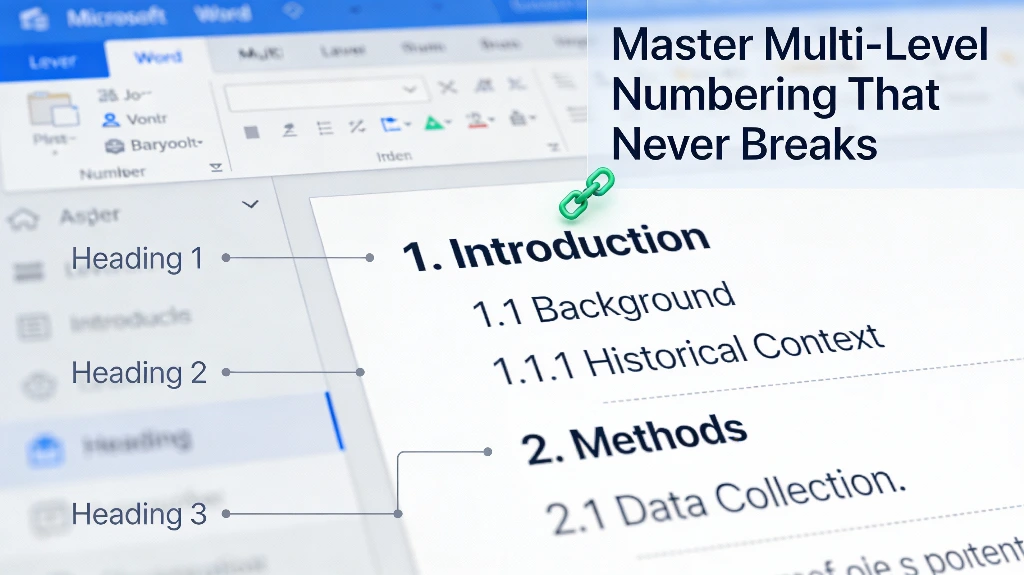
How to Build Multi-Level Numbering That Never Breaks in Microsoft Word (2025)

How to Build Multi-Level Numbering That Never Breaks in Microsoft Word (2025)

Ever tried to set up numbered lists in Word, only to have them go totally rogue? You’re not alone! Multi-level numbering in Microsoft Word is one of those super powerful features that can feel like a secret handshake. It’s awesome for organizing big documents, like legal contracts with tons of clauses, thick school papers, or detailed business […]

How to Build Multi-Level Numbering That Never Breaks in Microsoft Word (2025) Read More »

how to use quick parts in word

Stop Copy-Pasting: How to Use Quick Parts in Word to Automate Documents

Ever found yourself typing the same company address, disclaimer, or opening paragraph for the hundredth time? Ugh, it’s not just mind-numbingly boring, right? It’s also a total magnet for typos and mistakes! What if you could build a “Lego kit” for your documents? Imagine just snapping together pre-approved pieces of text, cool images, and important

Stop Copy-Pasting: How to Use Quick Parts in Word to Automate Documents Read More »

How To Create Custom Word Themes

How To Create Custom Word Themes & Brand Style Sets In Word?

Creating consistent, branded documents across an organization has become more crucial than ever in today’s competitive business landscape. With 85% of organizations having brand guidelines in place and brand consistency increasing revenue by 10-20%, Microsoft Word’s custom themes and style sets offer powerful tools to maintain your professional image effortlessly. What Are Custom Word Themes

How To Create Custom Word Themes & Brand Style Sets In Word? Read More »

Building Interactive Forms with Content Controls & XML Mapping in Word

Building Interactive Forms with Content Controls & XML Mapping in Word

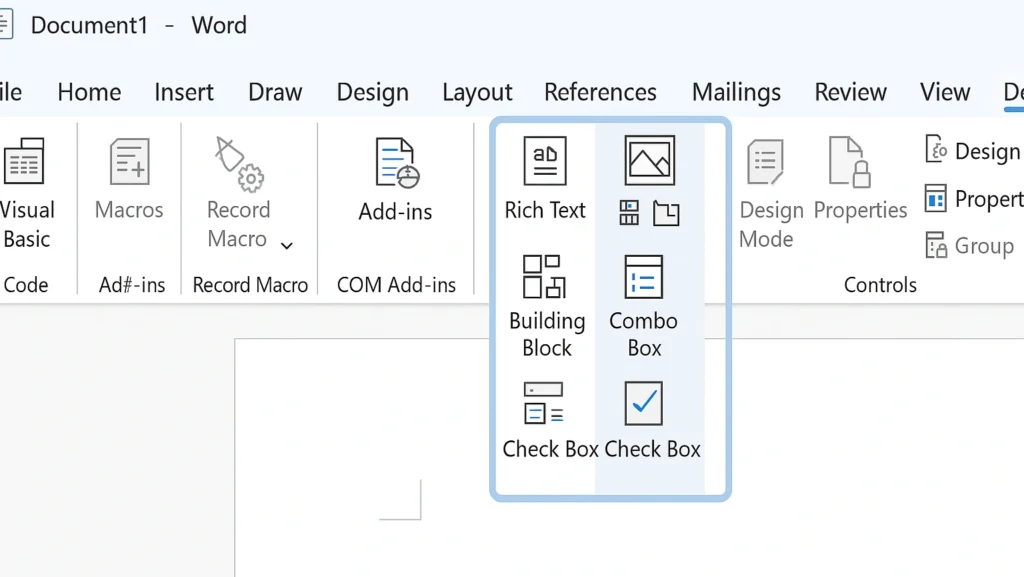
Interactive forms are the backbone of modern document workflows, transforming static Word documents into dynamic data collection tools that streamline business processes. By leveraging Microsoft Word’s content controls and XML mapping capabilities, you can create powerful forms that capture, validate, and structure information automatically. This comprehensive guide will walk you through everything you need to

Building Interactive Forms with Content Controls & XML Mapping in Word Read More »

Professional Newsletters in Word

Crafting Professional Newsletters in Word: Layout, Columns & Image Wraps

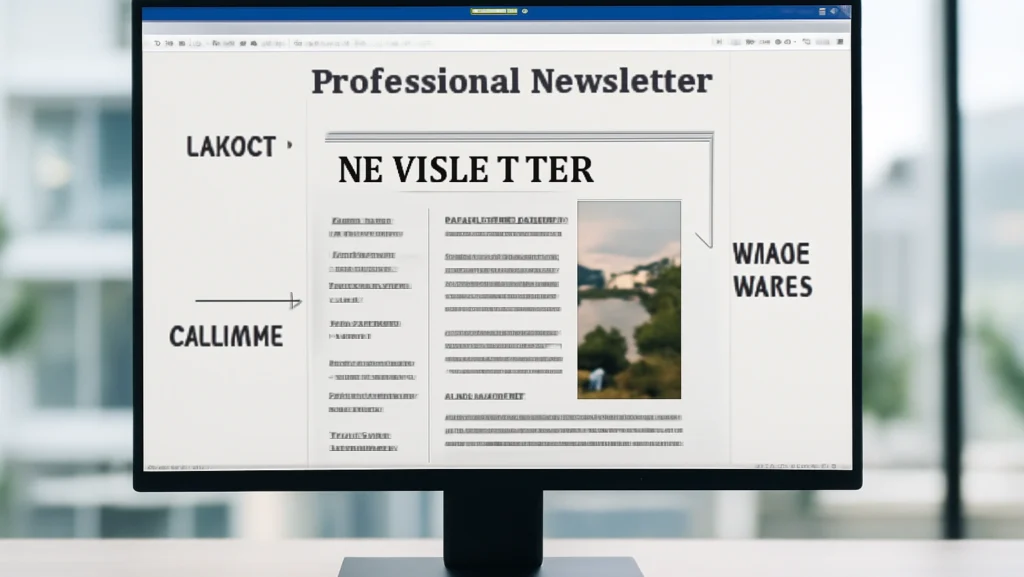
Creating visually appealing newsletters in Microsoft Word has become an essential skill for businesses, organizations, and content creators looking to communicate effectively with their audiences. With the right knowledge of layout techniques, column structures, and image wrapping features, you can transform a simple document into a professional-looking publication that rivals those created with specialized design

Crafting Professional Newsletters in Word: Layout, Columns & Image Wraps Read More »

Create Interactive PDF Forms in Word

Create Interactive PDF Forms in Word: A Step-by-Step Guide

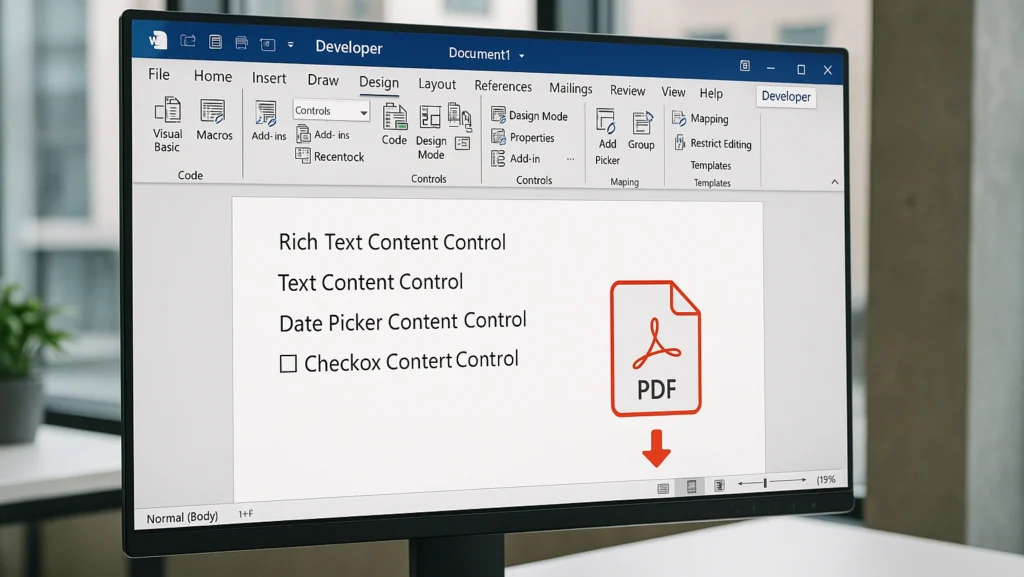
Creating interactive PDF forms doesn’t have to be complicated or expensive. With Microsoft Word and a few simple steps, you can transform any document into a professional, fillable PDF form that saves time and improves data collection. This comprehensive tutorial will walk you through everything you need to know, from setting up your first form

Create Interactive PDF Forms in Word: A Step-by-Step Guide Read More »

how to adjust page margins for different document types and layouts

How to Adjust Page Margins for Different Document Types and Layouts: A Simple Guide

Have you ever felt frustrated because your document doesn’t look quite right? It might be something as simple as the page margins. Page margins are the empty spaces around the edges of your page, and they affect how your document looks and how easy it is to read. In this guide, we’ll show you how

How to Adjust Page Margins for Different Document Types and Layouts: A Simple Guide Read More »

how to create macros to automatically add footnotes and endnotes

How to Create Macros to Automatically Insert Footnotes and Endnotes: A Simple Guide

Tired of adding footnotes and endnotes by hand? Many people spend hours doing this boring task, but there’s an easy fix. By using macros, you can save time and make your work faster. In this guide, we’ll show you how to create macros to automatically insert footnotes and endnotes, making your work simpler and more

How to Create Macros to Automatically Insert Footnotes and Endnotes: A Simple Guide Read More »

VBA Editor in MS Word

Master the VBA Editor in MS Word: Automate Your Workflow Quickly and Easily

Have you ever found yourself doing the same thing in Microsoft Word over and over again, like changing font sizes or applying the same formatting styles? Whether it’s formatting text, copying sections, or other boring tasks, automation can save you time and energy. That’s where VBA (Visual Basic for Applications) comes in, especially with the

Master the VBA Editor in MS Word: Automate Your Workflow Quickly and Easily Read More »