
How to Use Research Tool in Word for Your Projects
Microsoft Word has a helpful tool called Researcher. This tool helps us find information and reliable sources for our projects. We can easily add content to our documents without leaving Word.…

Microsoft Word has a helpful tool called Researcher. This tool helps us find information and reliable sources for our projects. We can easily add content to our documents without leaving Word.…
We all have significant documents that we want to keep safe. Password protecting our Word documents is a great way to do this. It helps us keep our sensitive information…
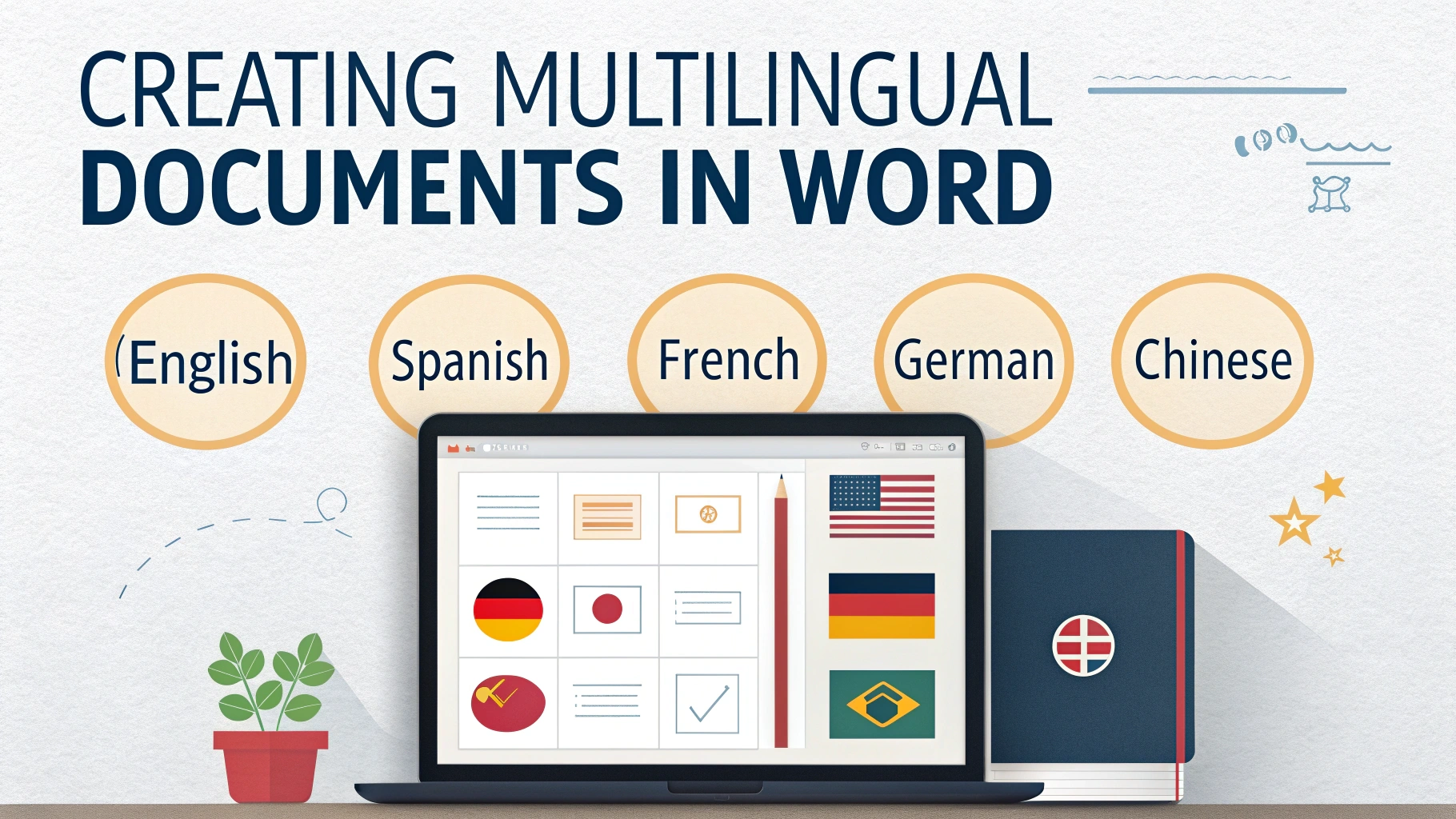
Creating multilingual documents in Microsoft Word can be a fun and useful skill. It allows us to share information in different languages, making our work accessible to more people. Imagine…

Footnotes and endnotes are helpful tools in Microsoft Word. They let us add extra information or citations without cluttering our main text. But we often run into problems with them.…
Adding a digital signature to a Word document is a simple way to show that the document is authentic. It helps prove that the person who signed it really did…
The ruler in Microsoft Word is a handy tool for making our documents look great. It helps us set margins, indentations, and align text perfectly. By using the ruler, we…
Creating custom ribbons and tabs in Microsoft Word can make our work easier and more organized. With just a few clicks, we can add our favorite tools and features right…

Using building blocks in Microsoft Word can make our document creation much easier and faster. These building blocks let us save and reuse text, images, and other design elements. Imagine…
Using borders and shading in Microsoft Word can make our documents look amazing. These tools help our text stand out and add a special touch to our pages. Imagine adding…

Creating and using custom XML schemas in Microsoft Word can make our documents smarter and more organized. XML schemas help us define the structure of our data, like a blueprint…